
Eddy
I led UX and UI for a hydroponic startup’s mobile app, from personas and flows to the screens handed to development. The app connects a home growing system to the phone, walks people through setting up a garden, and links them to recipes, experts and other growers.
- Role
- Lead UX/UI Designer
- Company
- Eddy, hydroponic system startup
- Users
- Home growers, professional growers, researchers and experts
- Scope
- Led the design of the complete solution for growers: analyzed the hydroponics market and competitors, researched how people grow at home and professionally, defined the full product scope, mapped the key workflows, and designed the experience from personas and user flows to wireframes and the final mobile UI
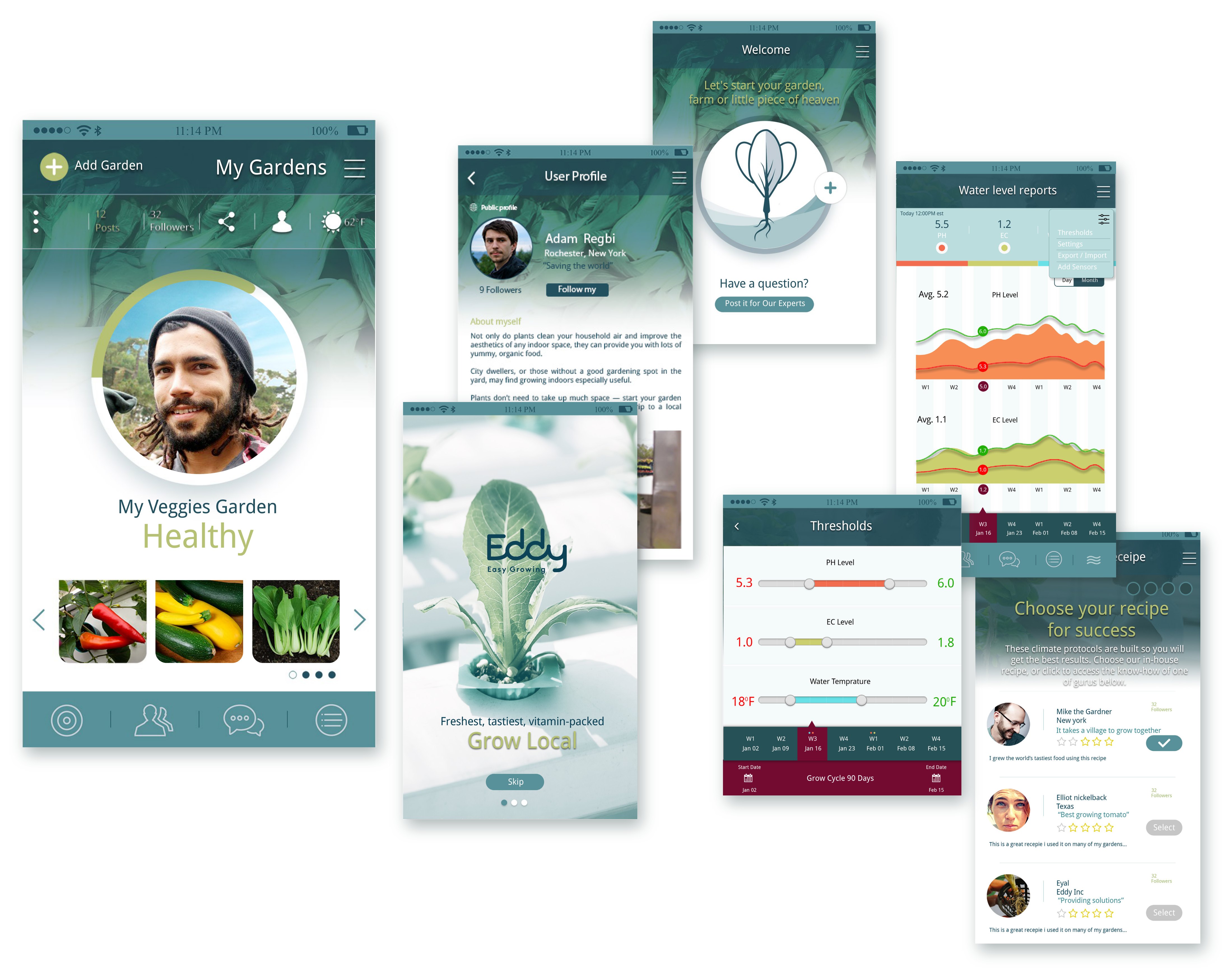
What Eddy does
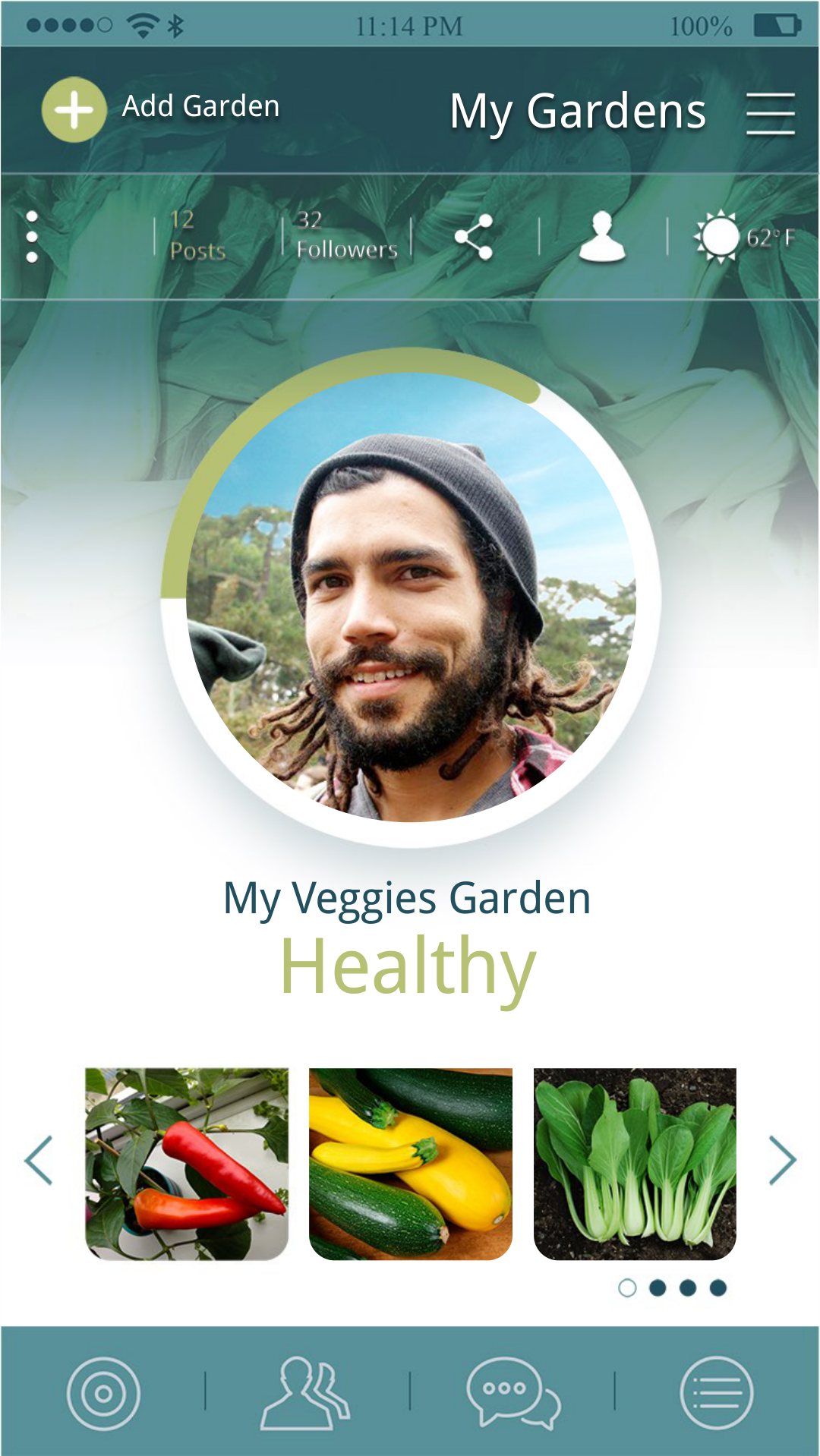
Eddy is a small hydroponic system with a sensor that reads the water. The app is where people set up their garden, choose what to grow and see whether the plants are healthy. It also connects them to experts and to other growers who share what worked for them. I led the UX and UI, from the personas and flows to the screens handed to development.
What was complex
- Hardware and software together. The app has to find the device, put it on the home Wi-Fi and calibrate it before anything else works.
- People who know nothing, and people who know a lot. A first-time grower and a hydroponic farmer need very different help from the same app.
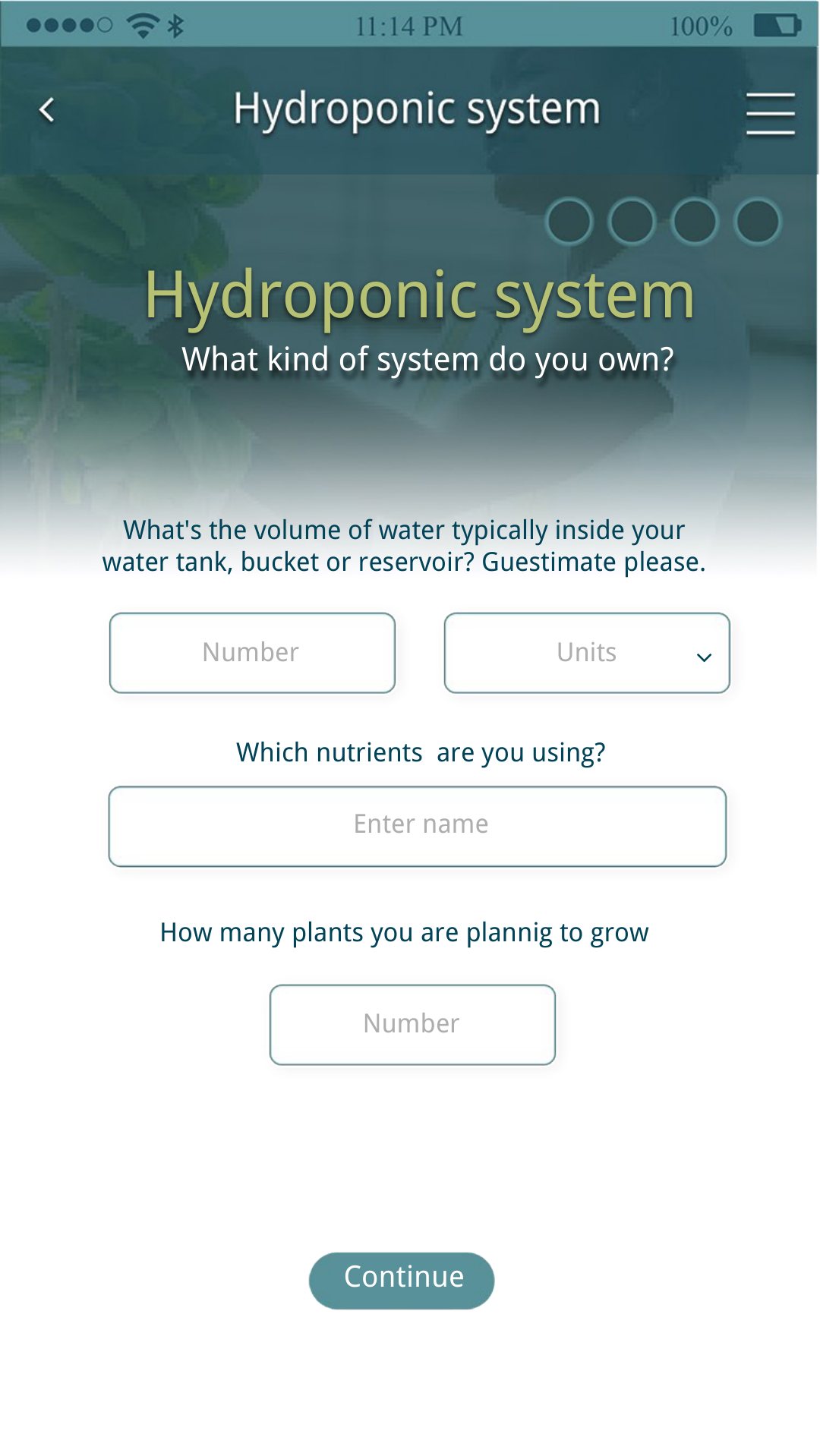
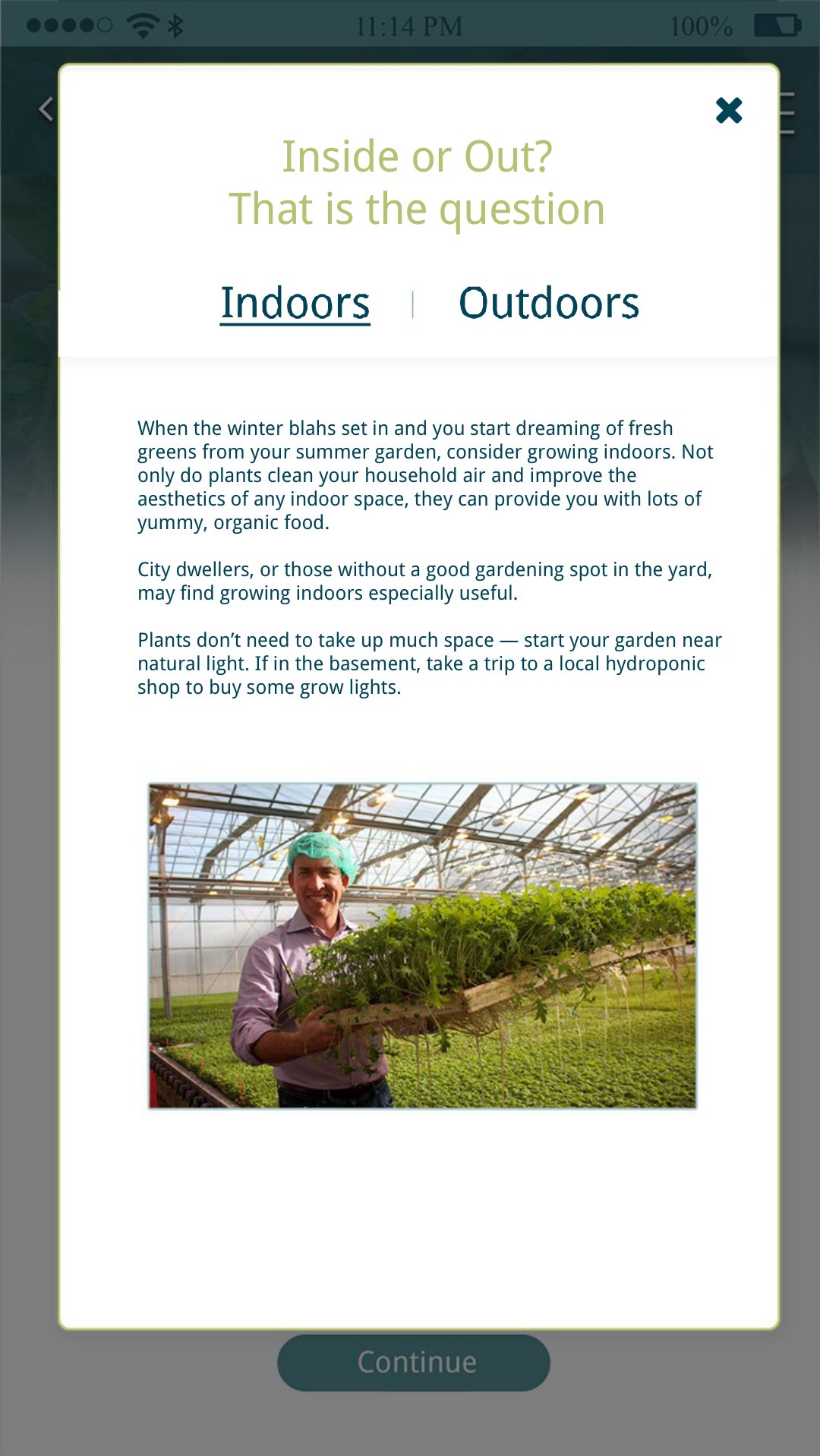
- Every garden is different. Indoors or outdoors, the type of system, the tank size and the nutrients all change what to grow and how.
- Readings people can act on. pH, EC and water temperature mean little on their own; the app has to say when something is wrong and what to do.
How I worked
- People. Defined who would use Eddy, what they need and what the experience should feel like for each.
- Flows. Mapped every process: registration, garden and device setup, adding crops, the diary, expert advice, nearby growers, monitoring and troubleshooting.
- Wireframes. Laid out the screens for each flow and tested the order of the steps.
- Design. Designed the mobile UI and prepared the screens for development.
Five kinds of grower
The personas set the tone of each part of the app: simple and fun for the beginner, efficient and accurate for the professional.
- Grower
- Millennials, parents and students who grow for fun and like to try new things. Mobile only. The experience must be simple and fun, and free.
- Pro Grower
- Hydroponic farmers and small businesses who manage several gardens, load recipes and learn from what others grow. Mobile and desktop, efficient and accurate, on a paid subscription.
- Data User
- Researchers who grow for a living and follow the numbers. They need accurate data across gardens, on a paid subscription.
- Expert
- Hydroponic fans: environmentalists, tech and organic enthusiasts who experiment and share their experience.
- Eddy Guru
- Experts on the Eddy team who answer questions, write growing recipes and support the community, with tools made for them.
Setting up a garden in four steps
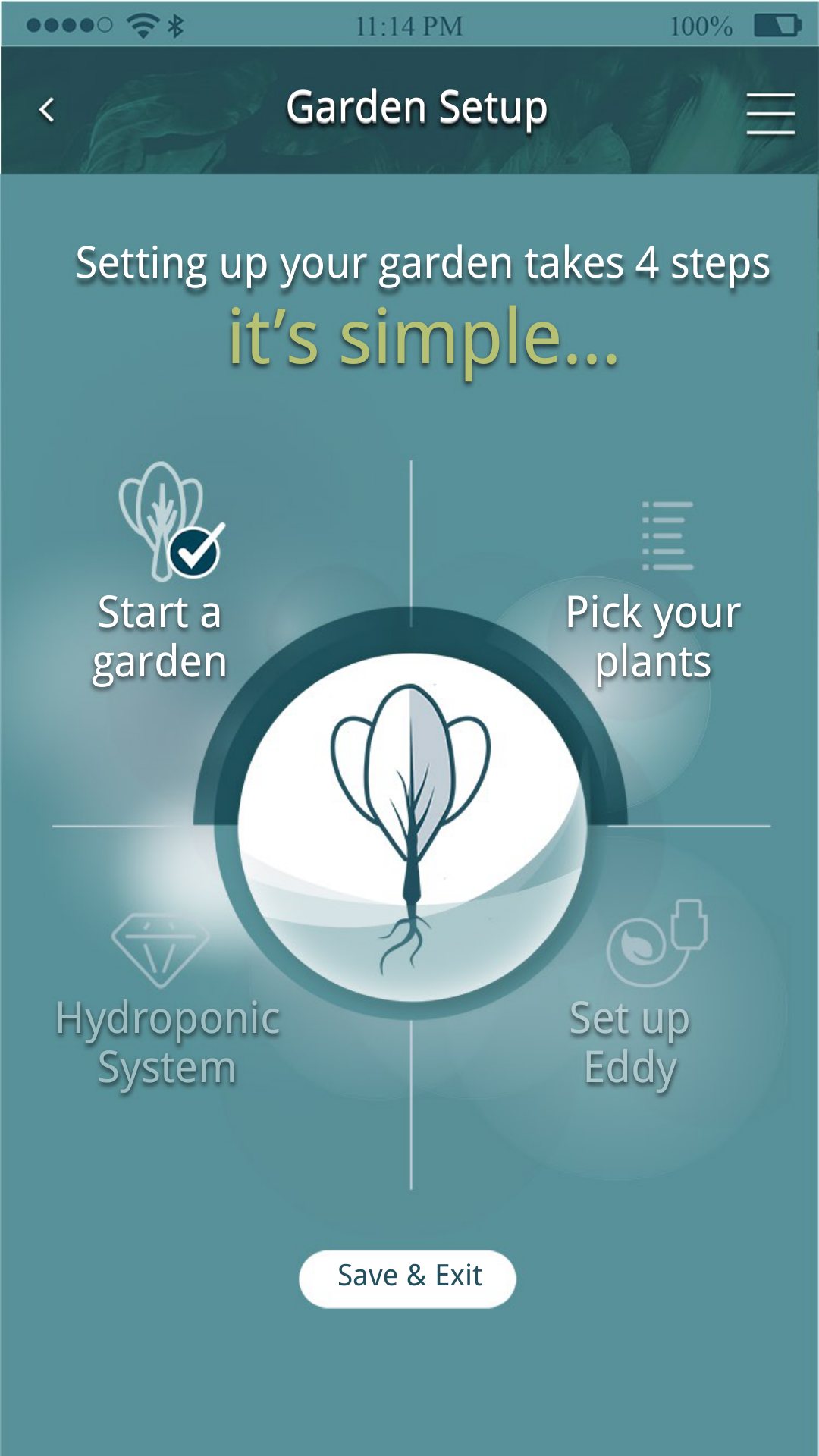
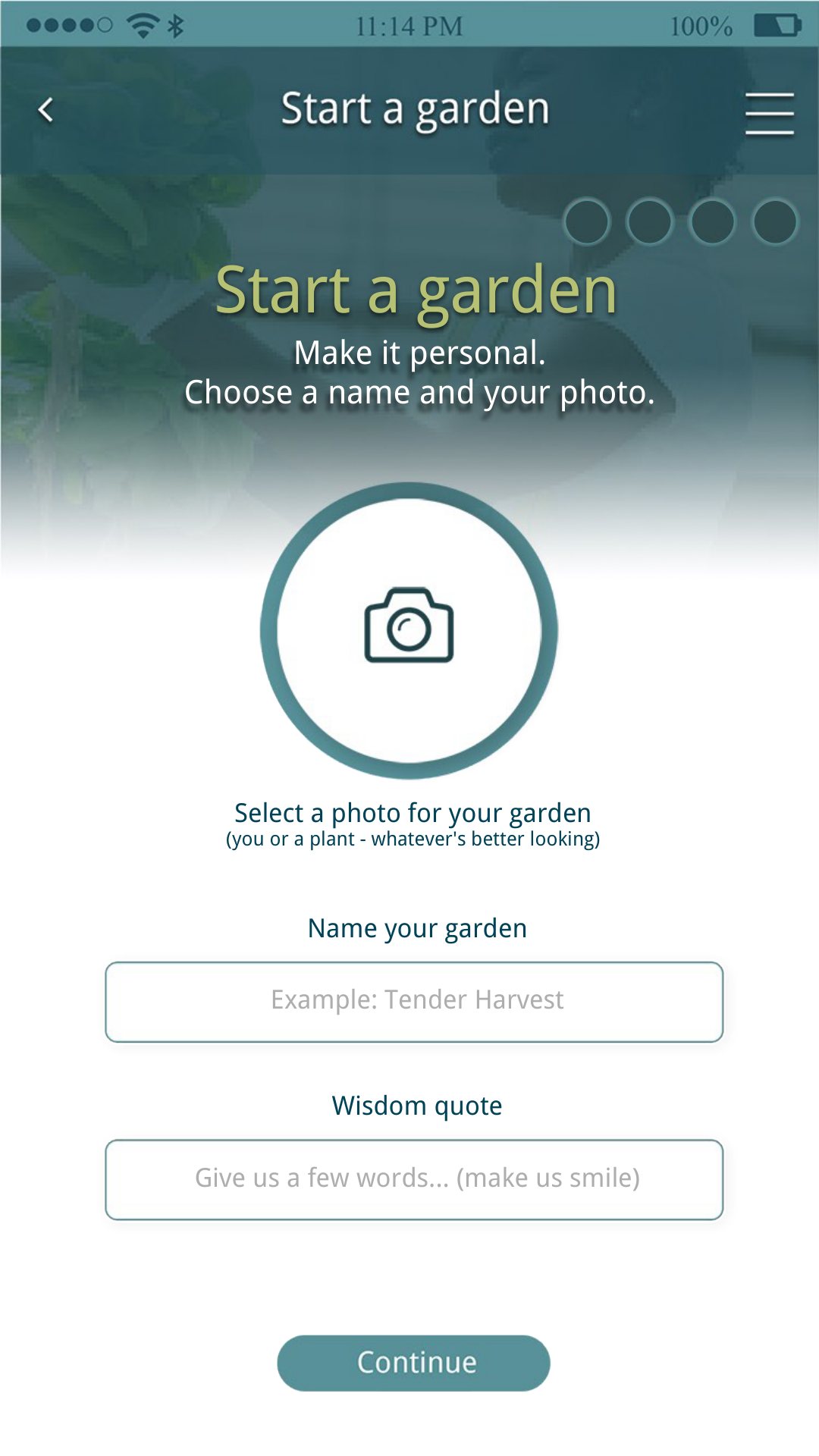
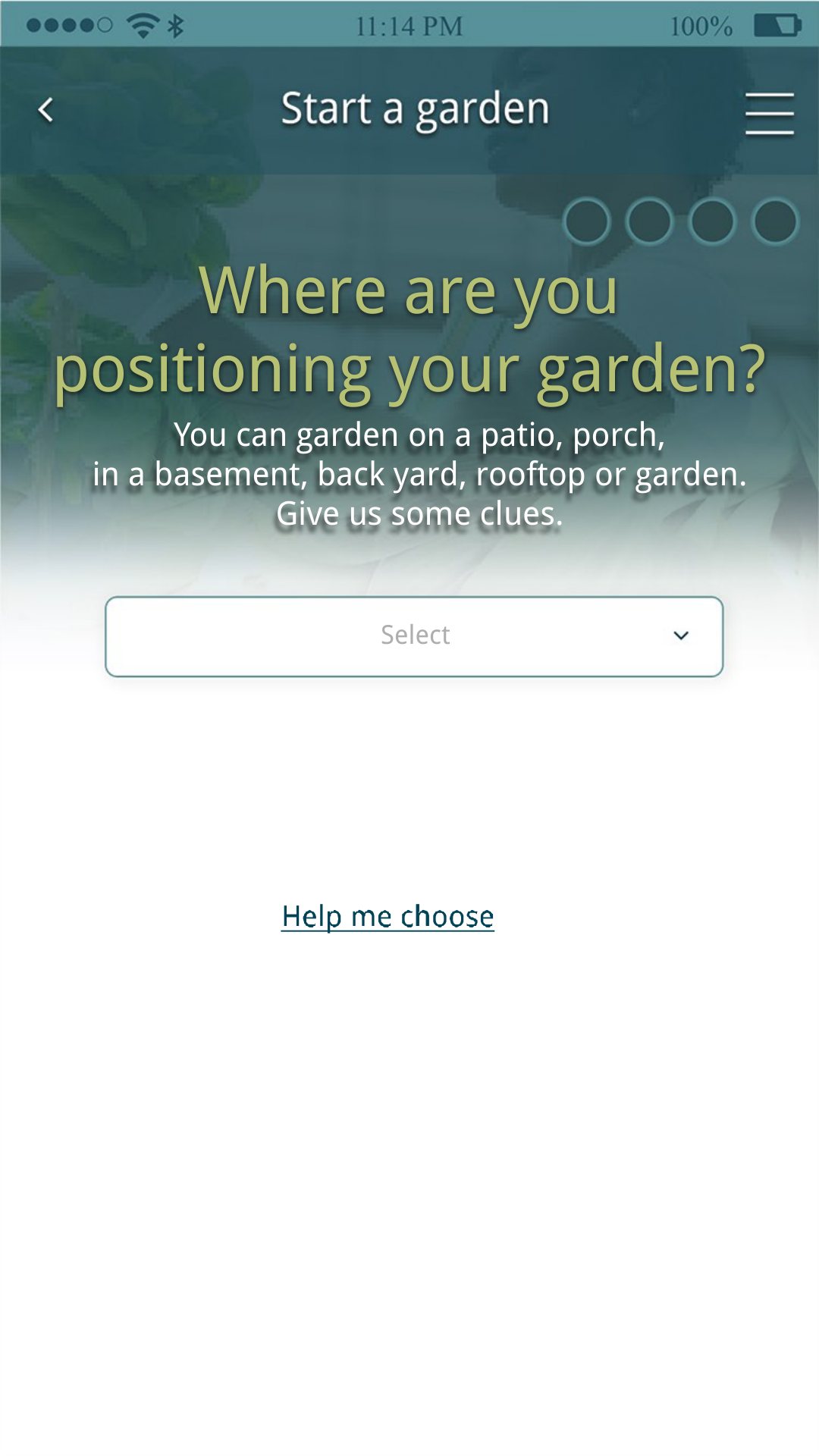
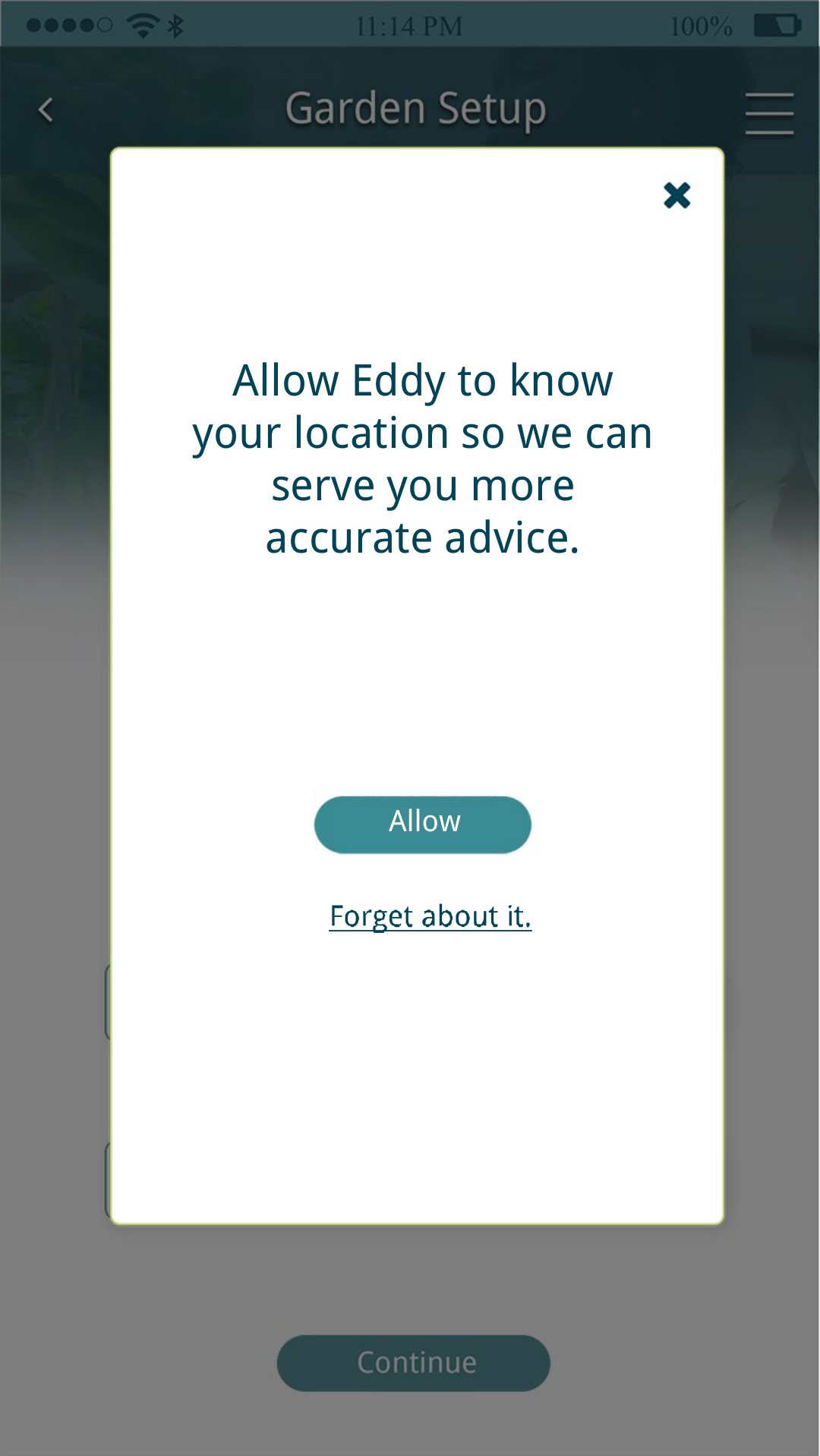
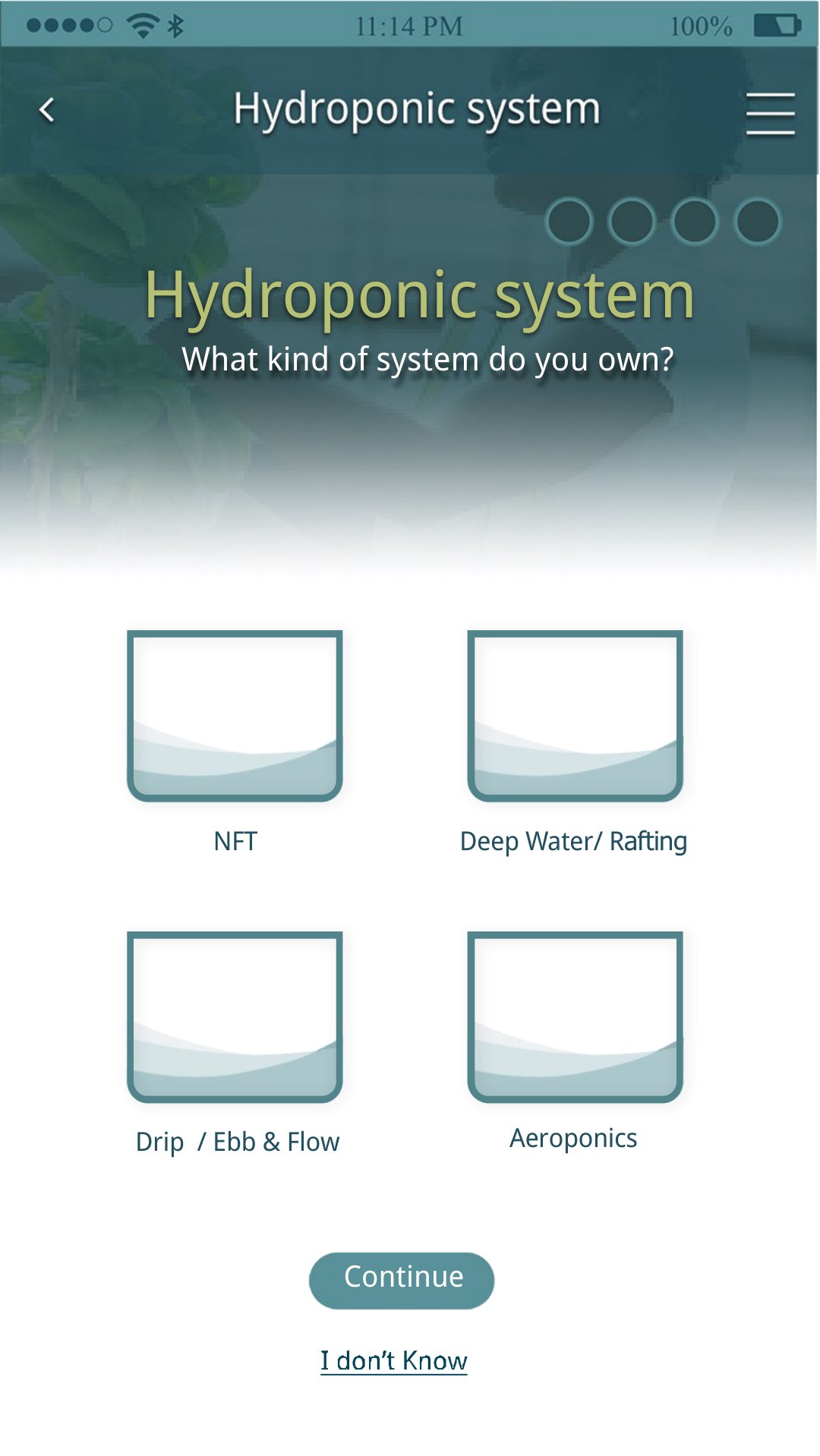
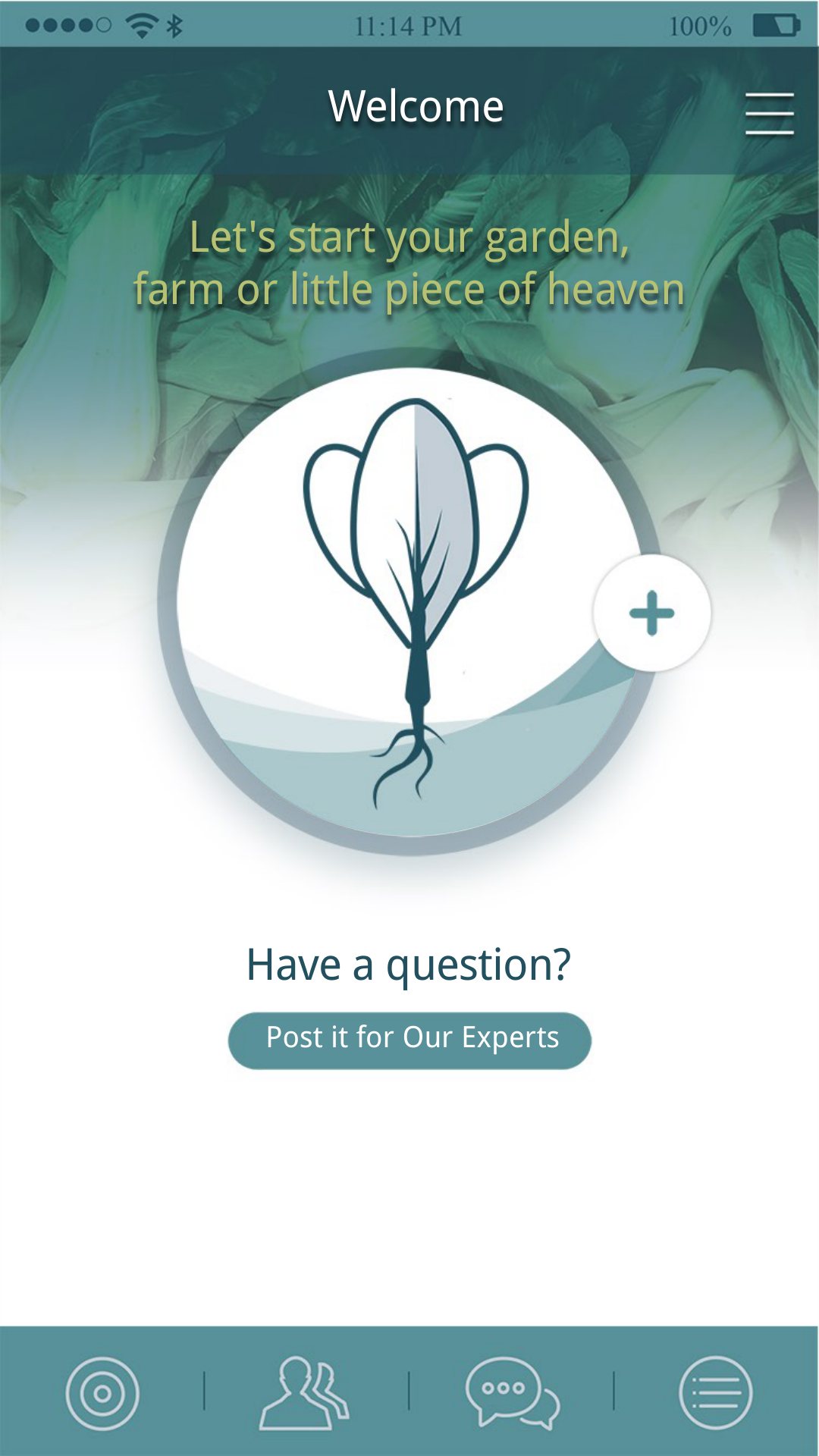
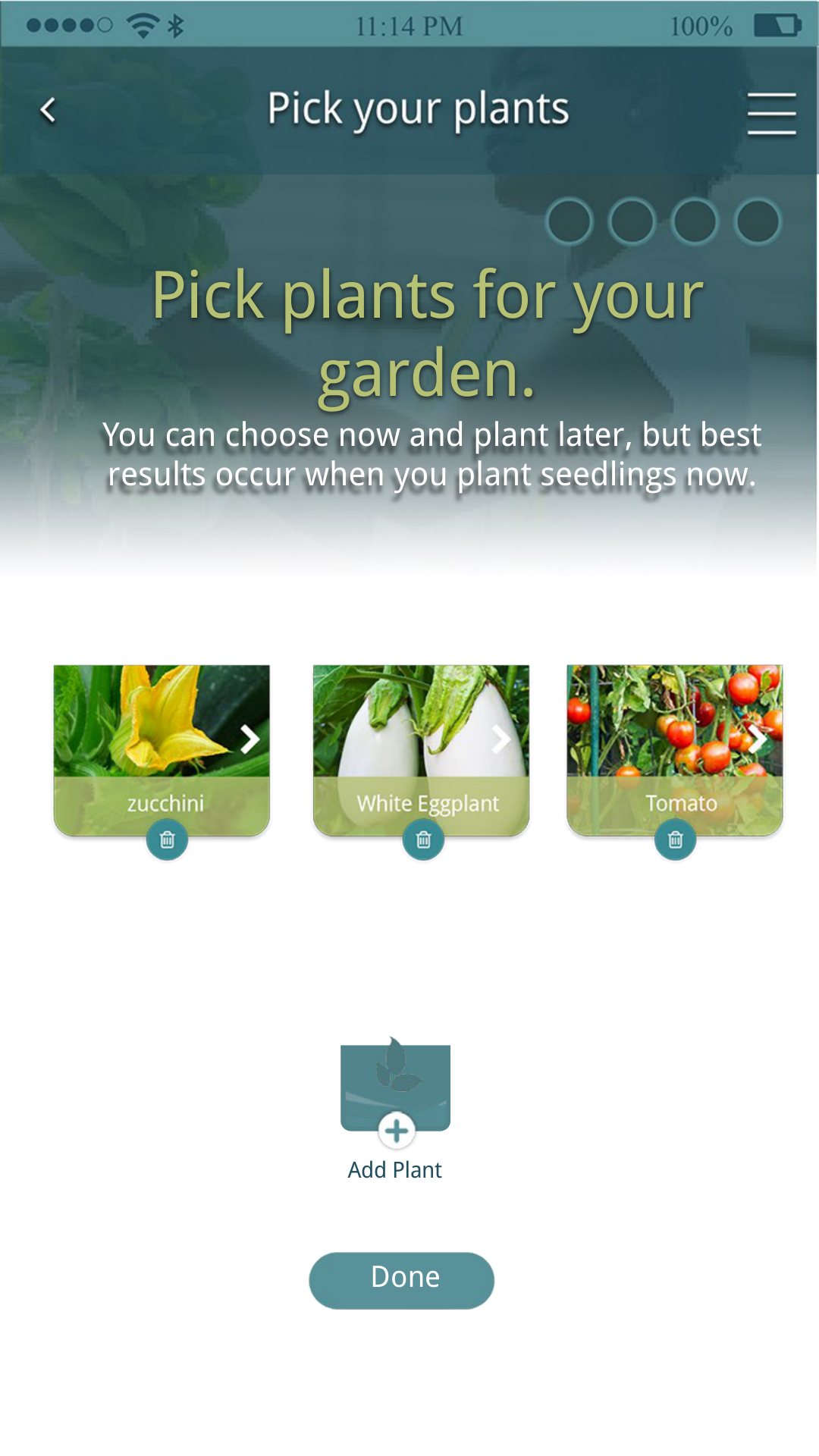
Setup is one hub with four steps: start a garden, describe the hydroponic system, set up Eddy and pick your plants. People can save and exit at any step and come back to it. Each question explains why it is asked, and “Help me choose” or “I don’t know” is always an option.
Connecting the device
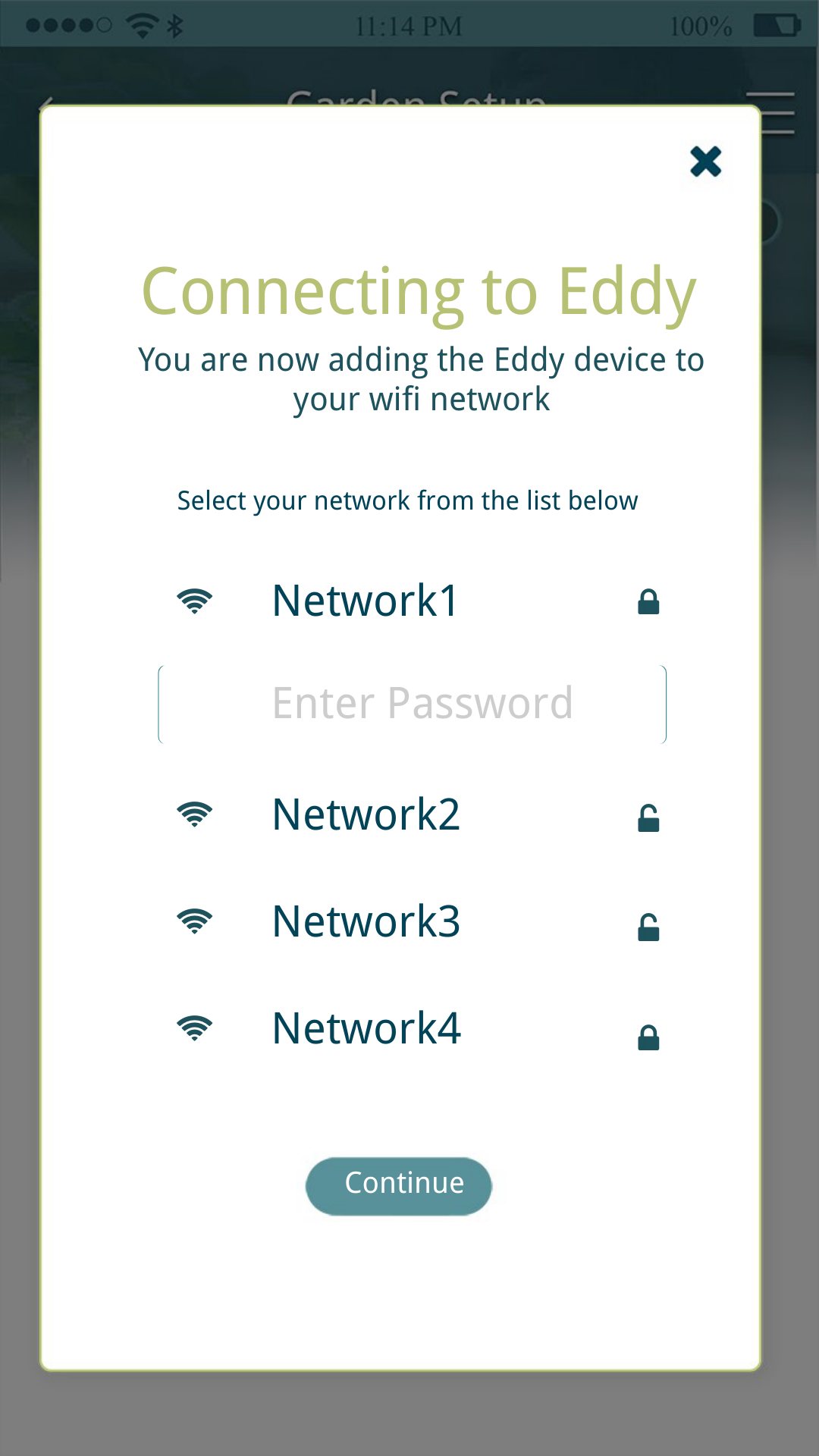
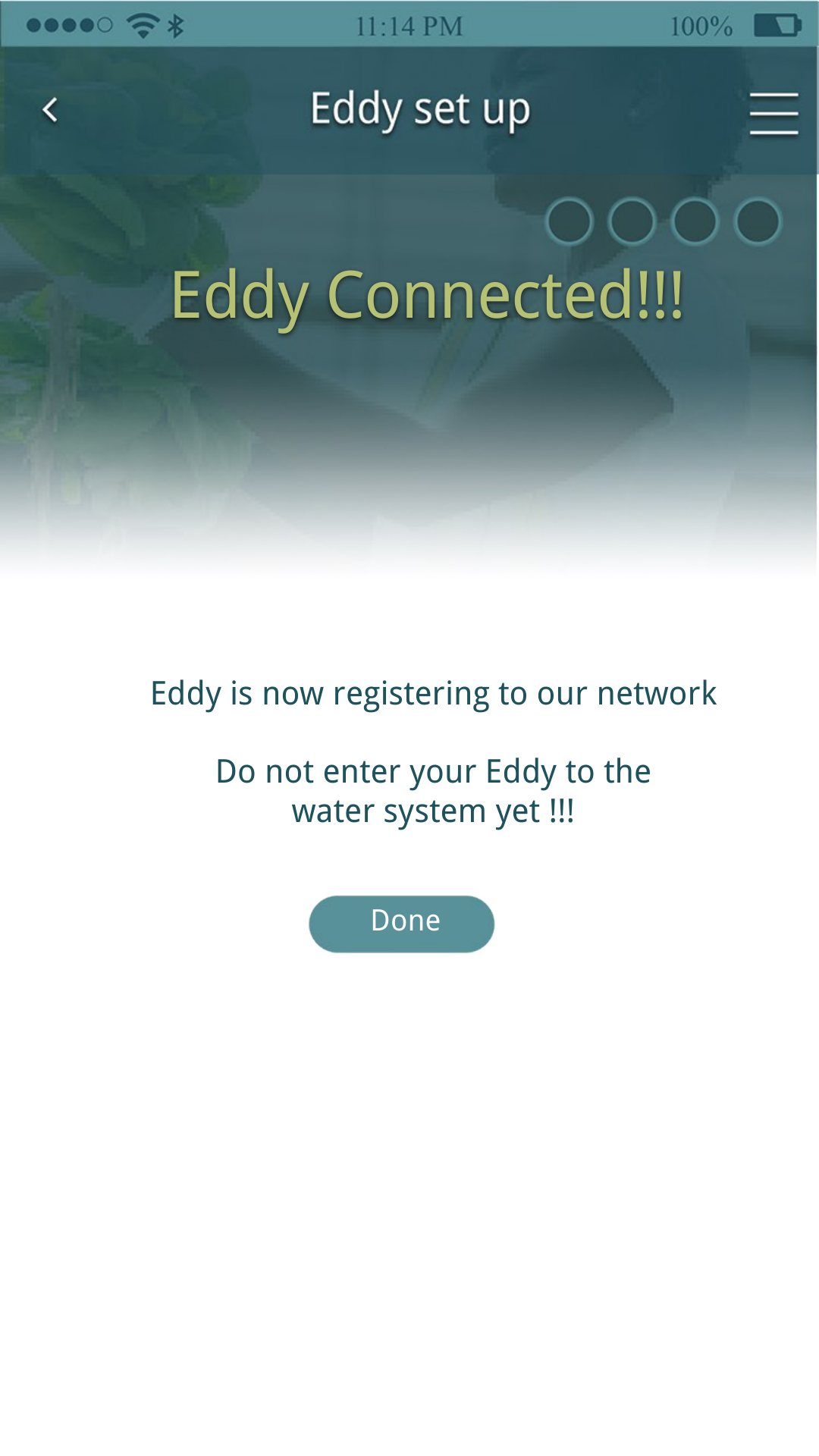
Connecting hardware is where setup fails most. The flow checks the basics first (batteries in, light blinking), finds the device, puts it on the home Wi-Fi and confirms it is connected. It also says what not to do yet: don’t put Eddy in the water system until registration is done.

Choosing what to grow
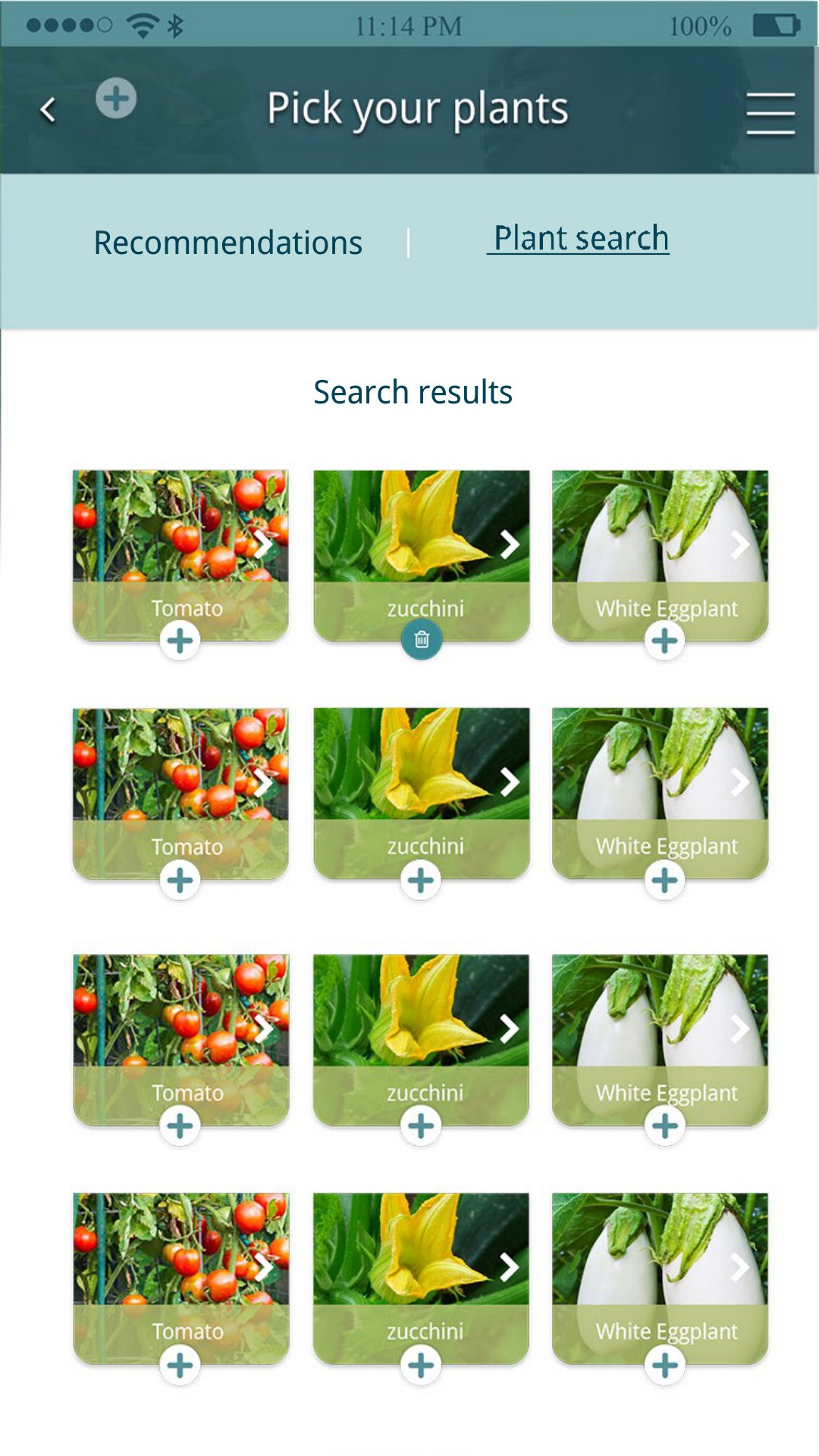
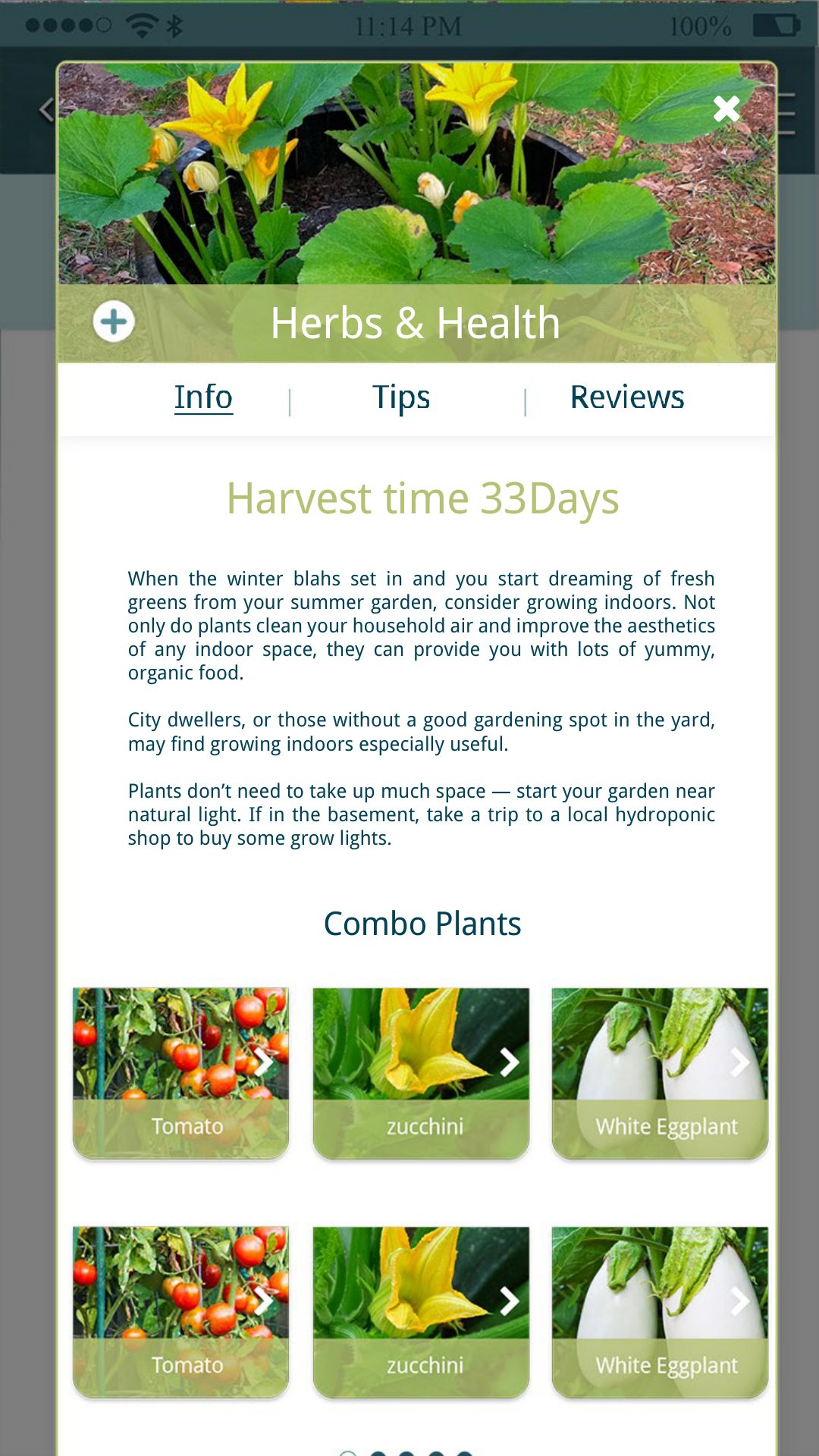
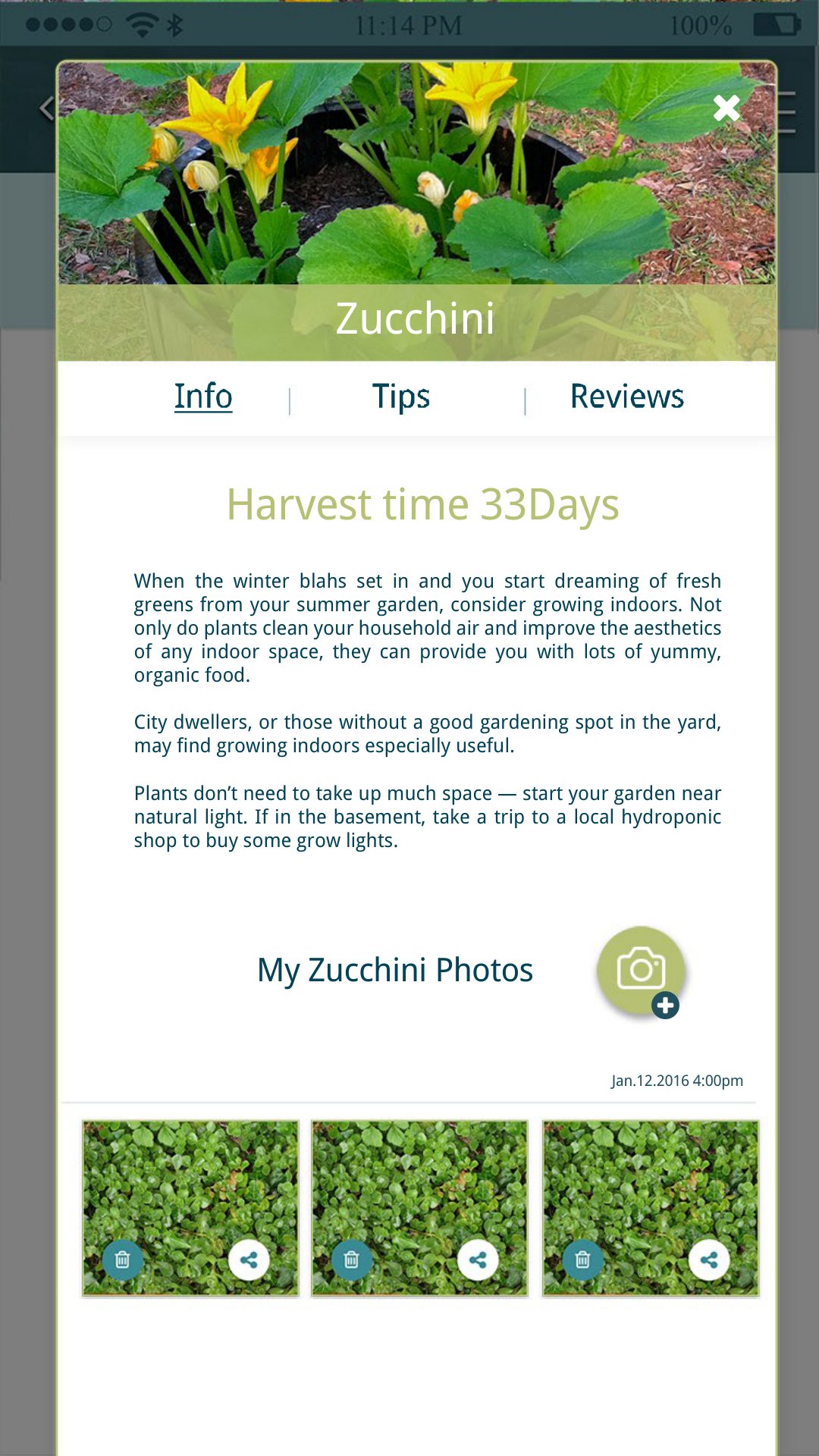
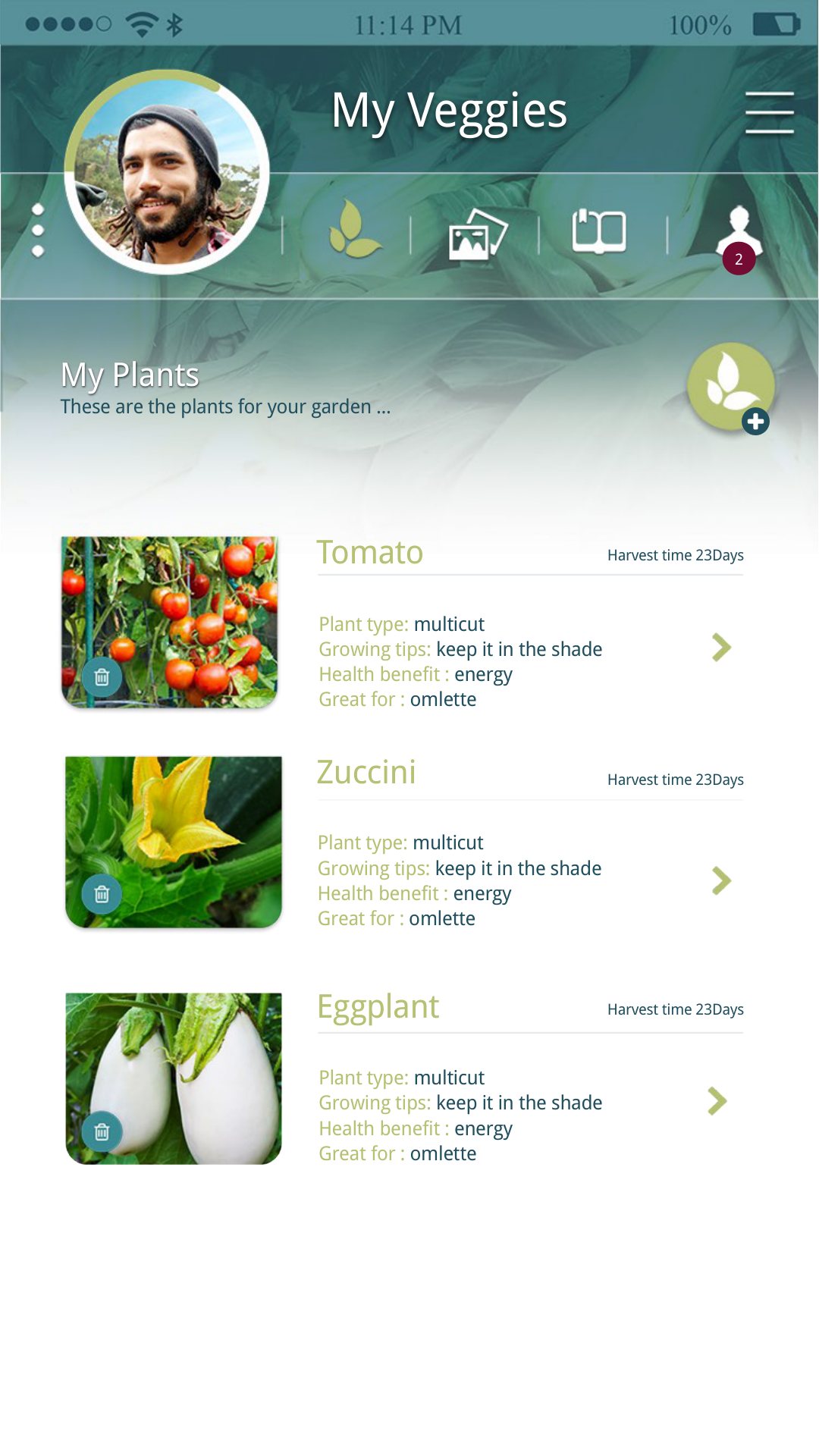
Plants are recommended for the garden’s location and conditions, or found by name, type and placement. Each plant page has the harvest time, tips and reviews, and suggests plants that grow well together.
Watching the water
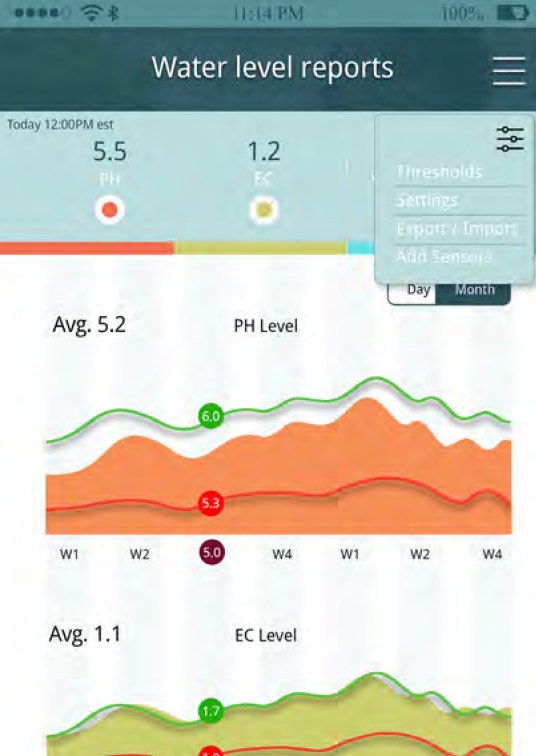
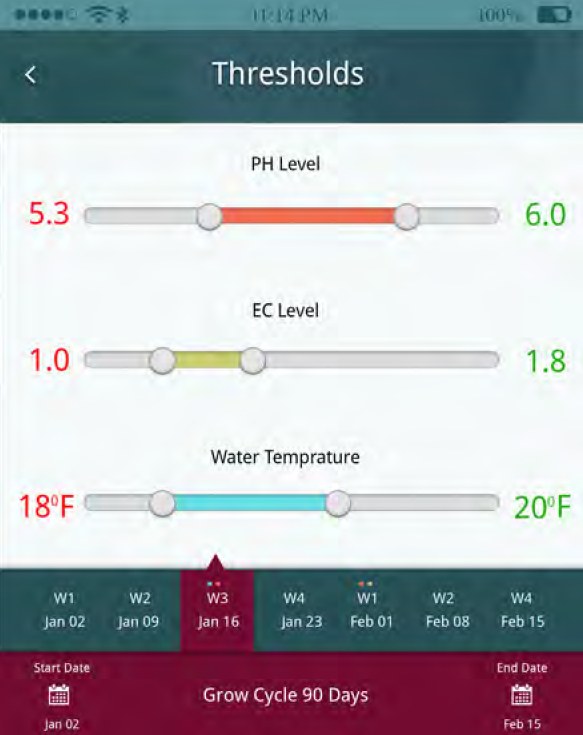
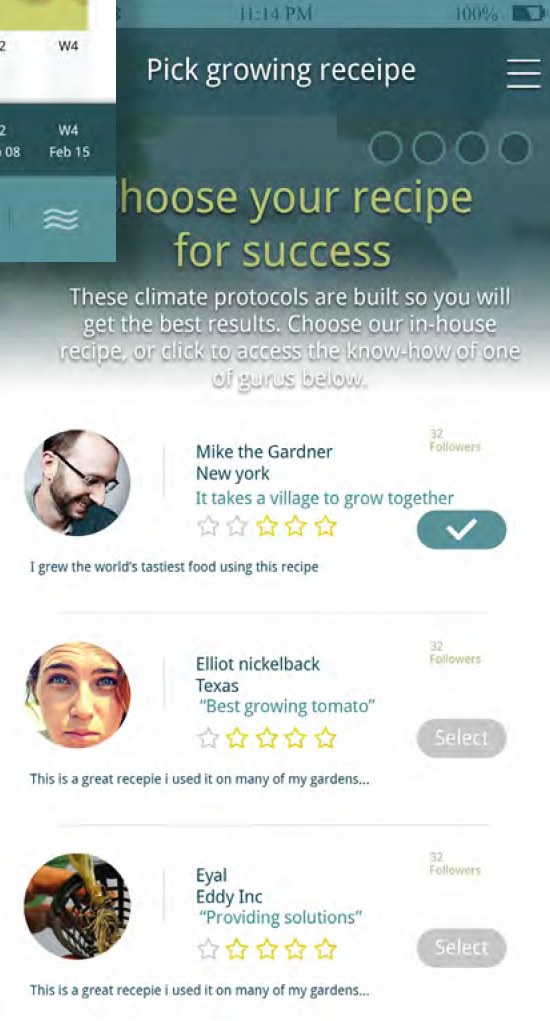
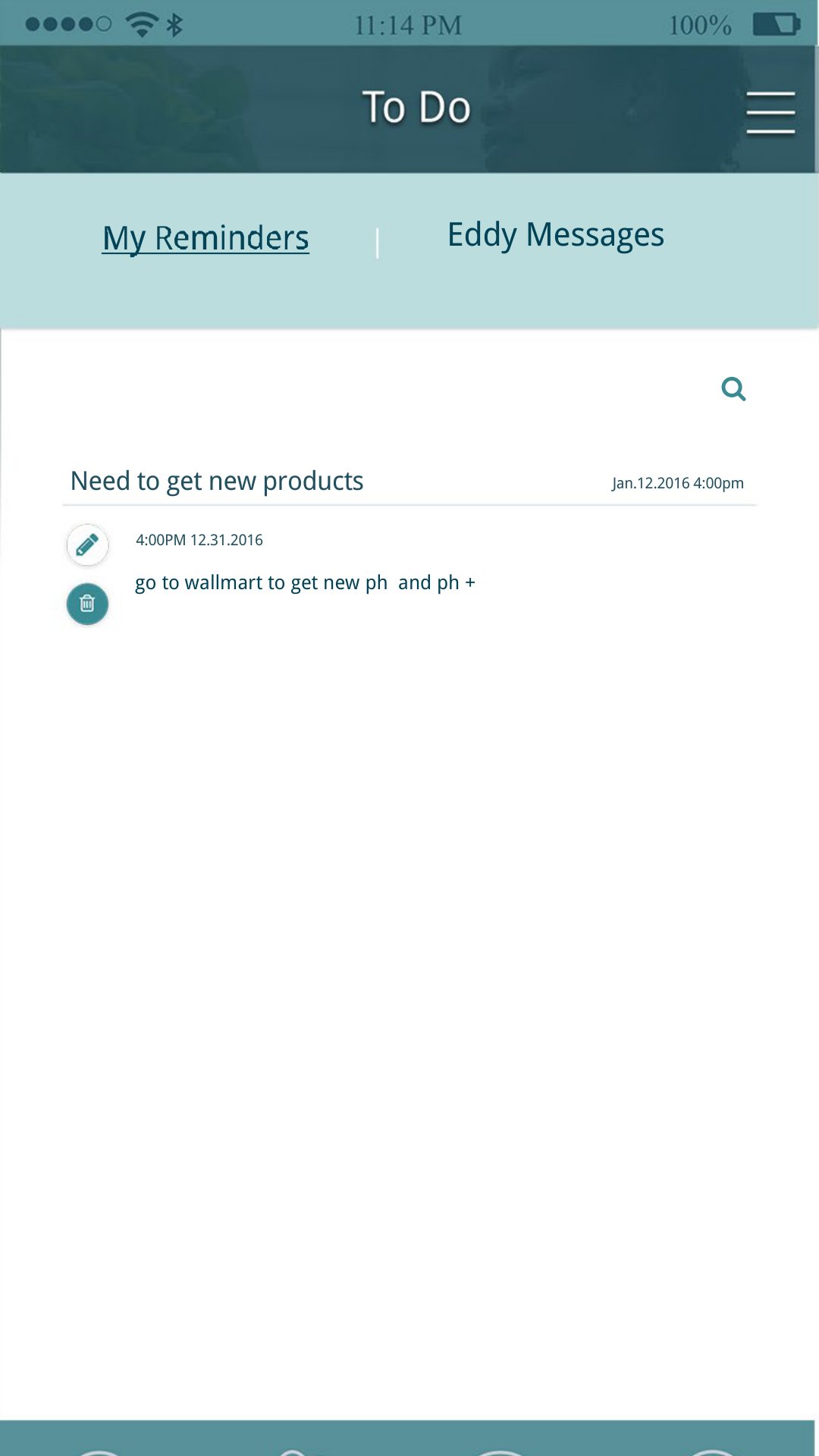
The sensor reads pH, EC and water temperature. Each reading has a range the grower sets; outside it, the app warns and gives the instructions to fix it. Reports show the trend by day or month across the grow cycle. Growers can also follow a growing recipe, from Eddy or from one of its gurus.
Growing together
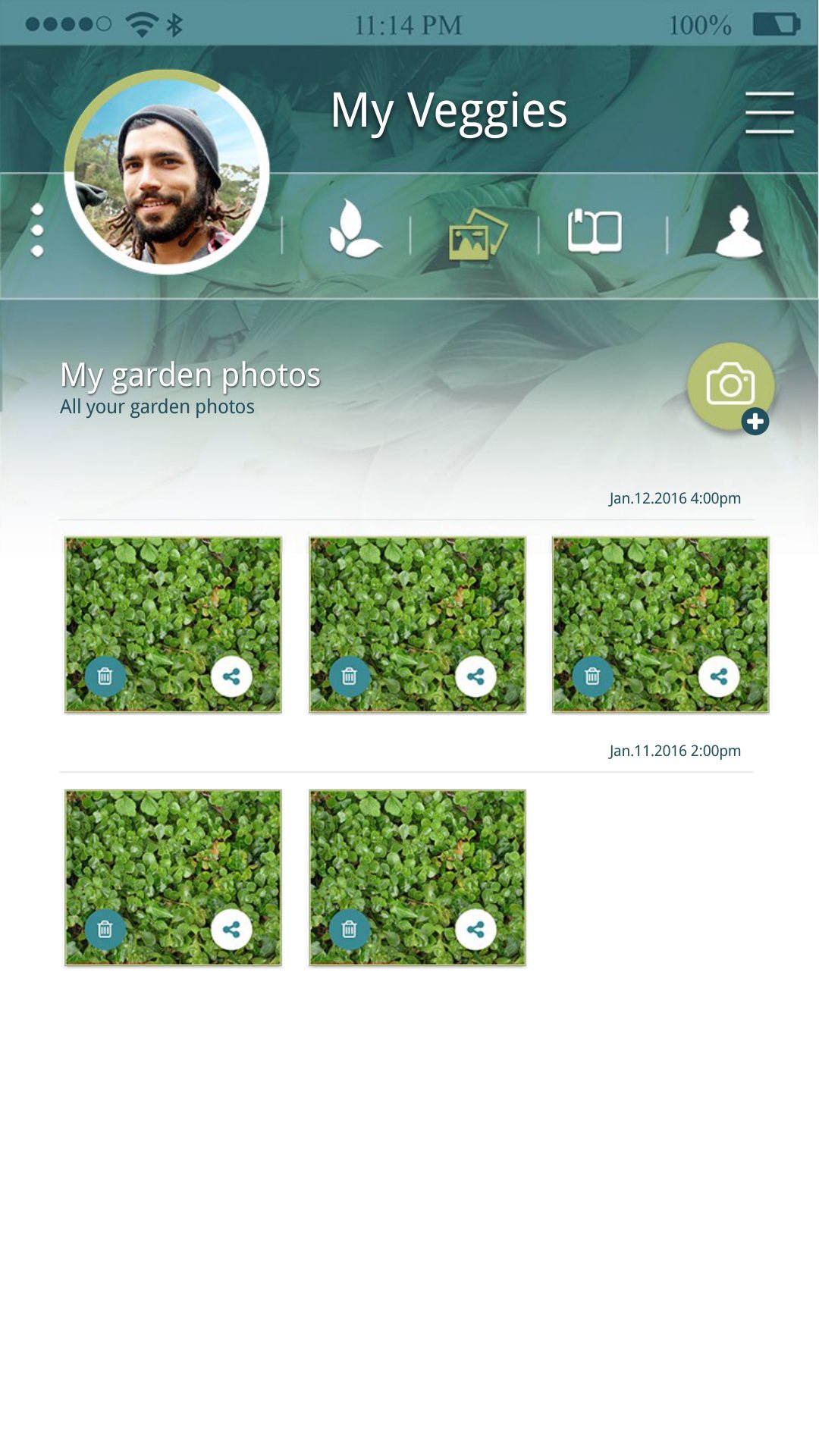
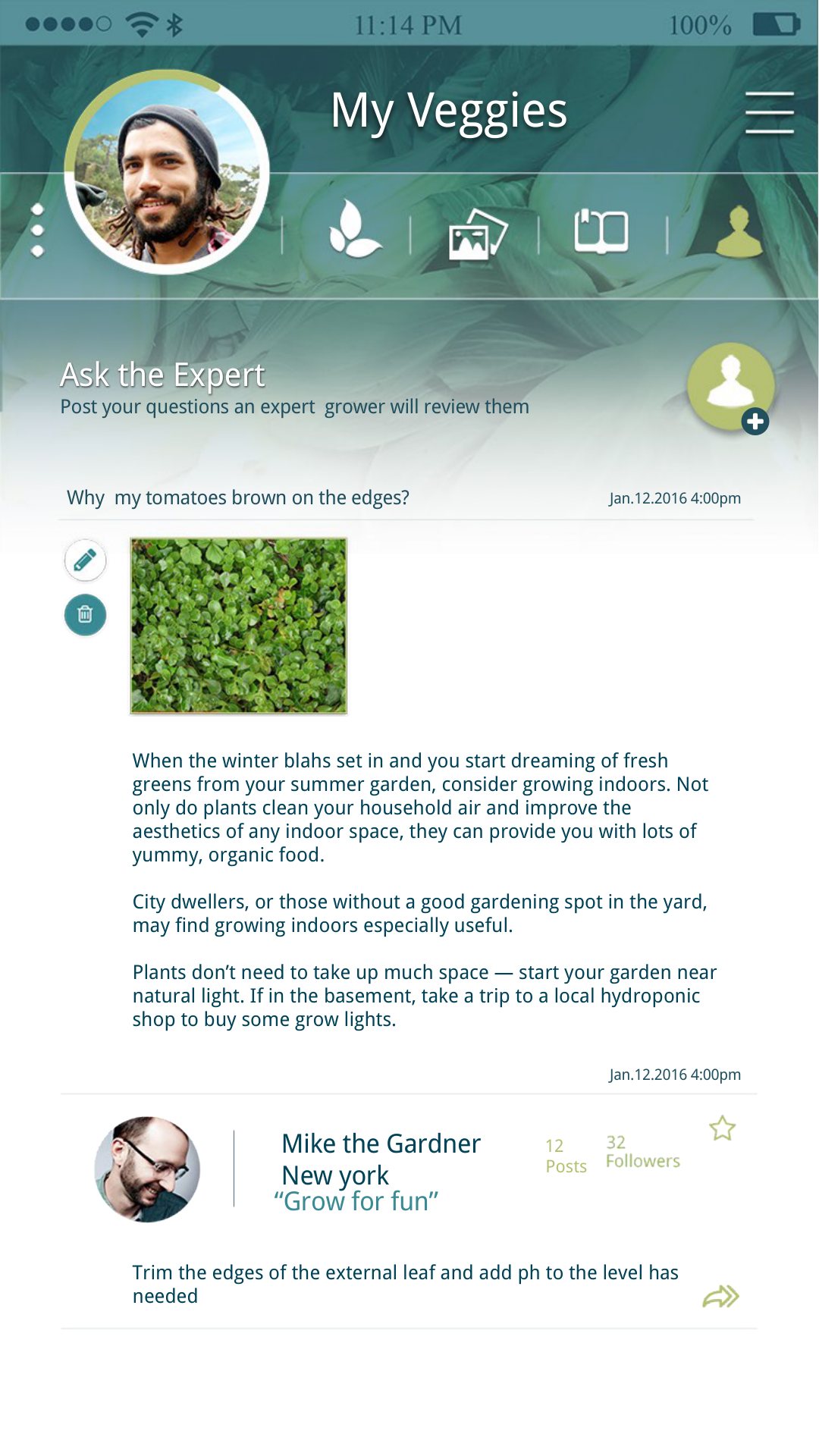
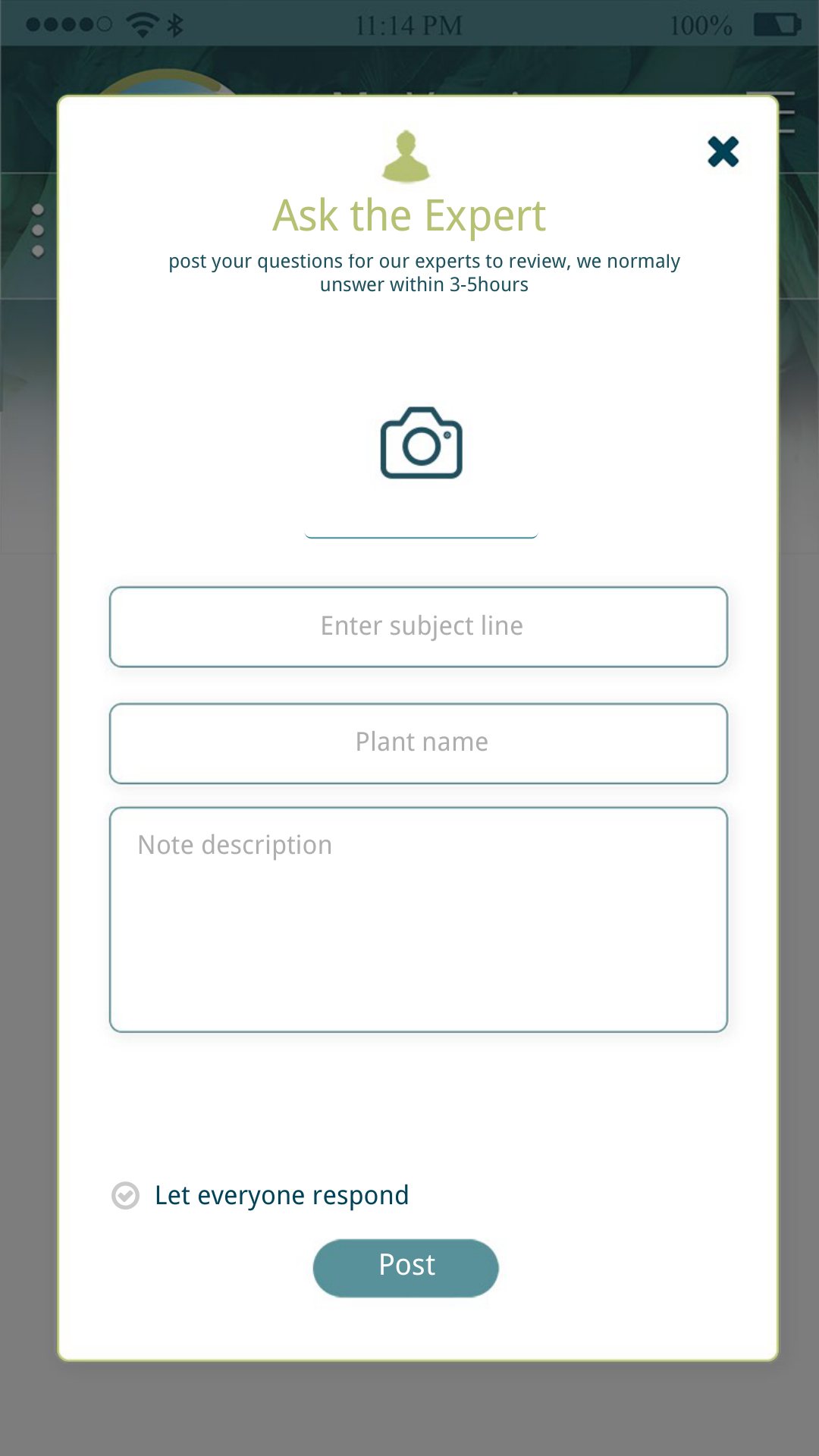
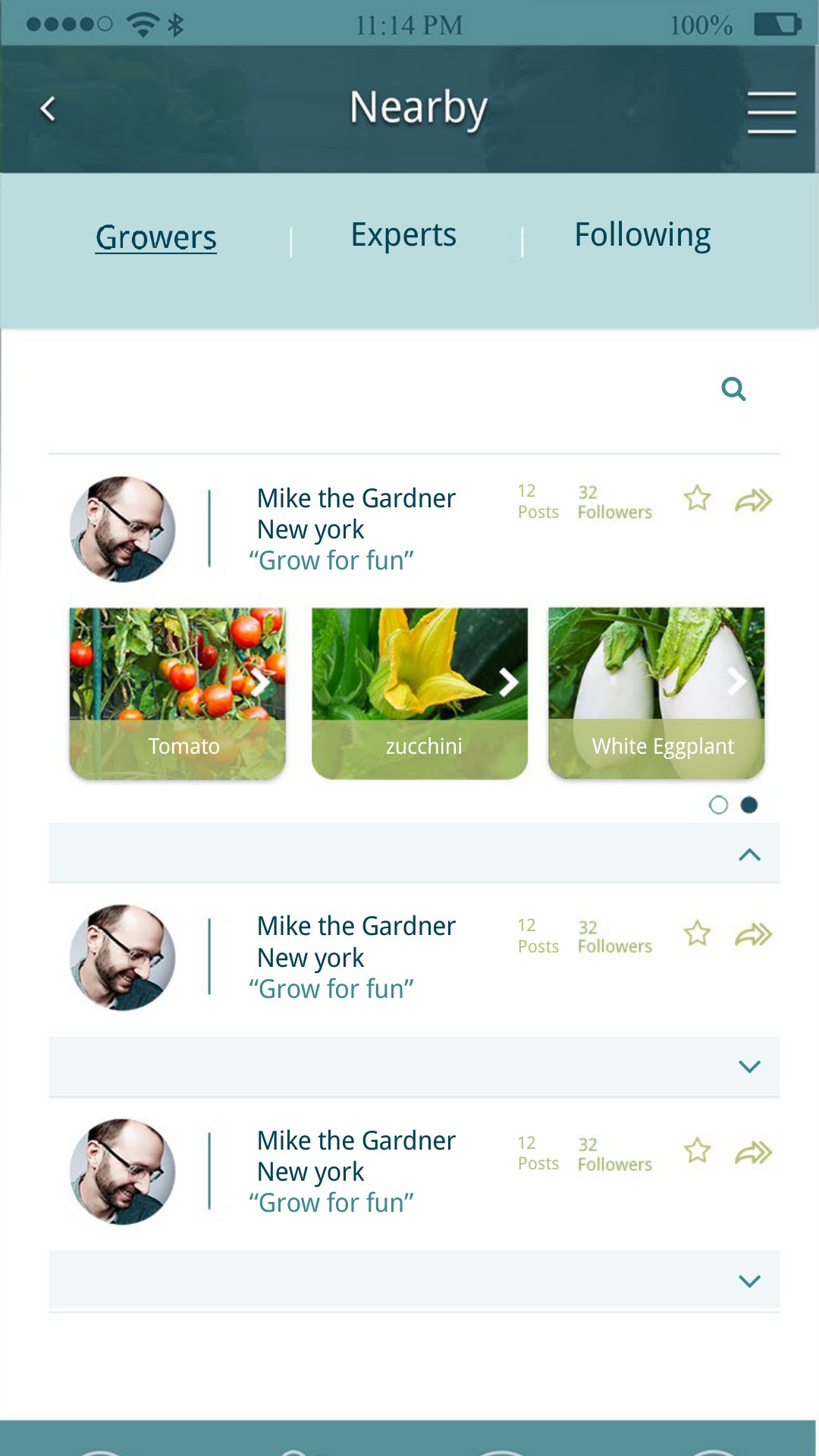
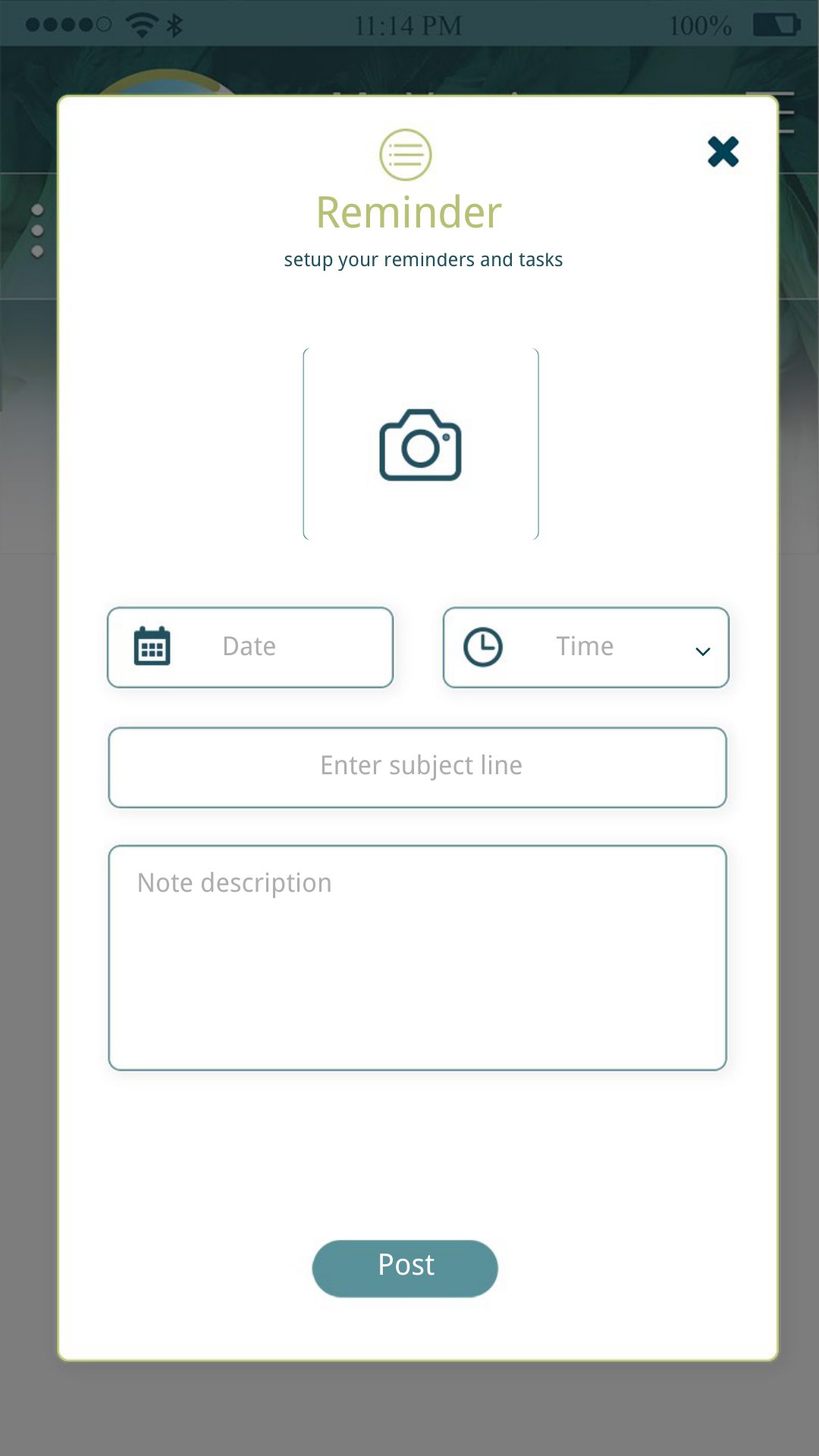
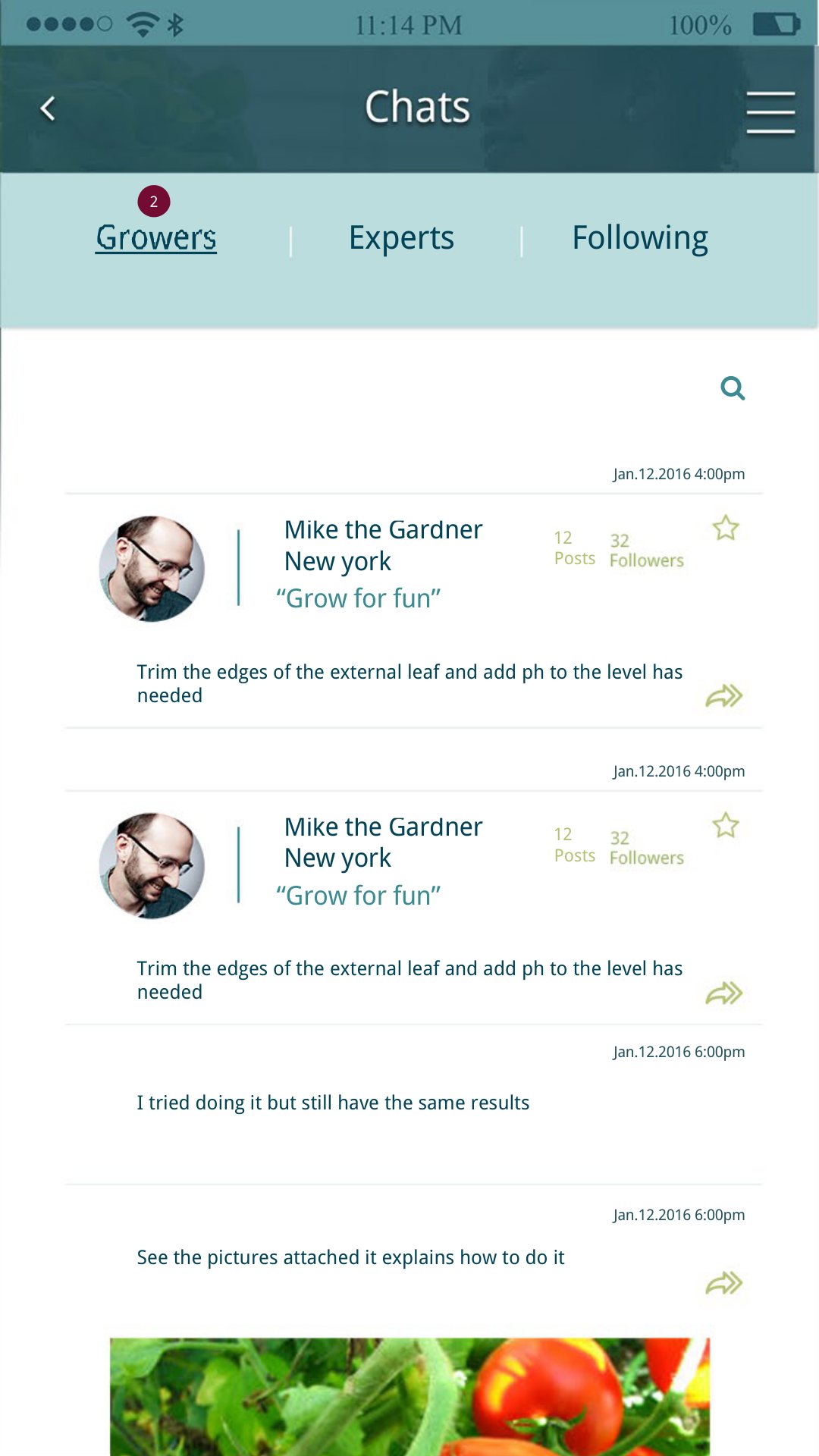
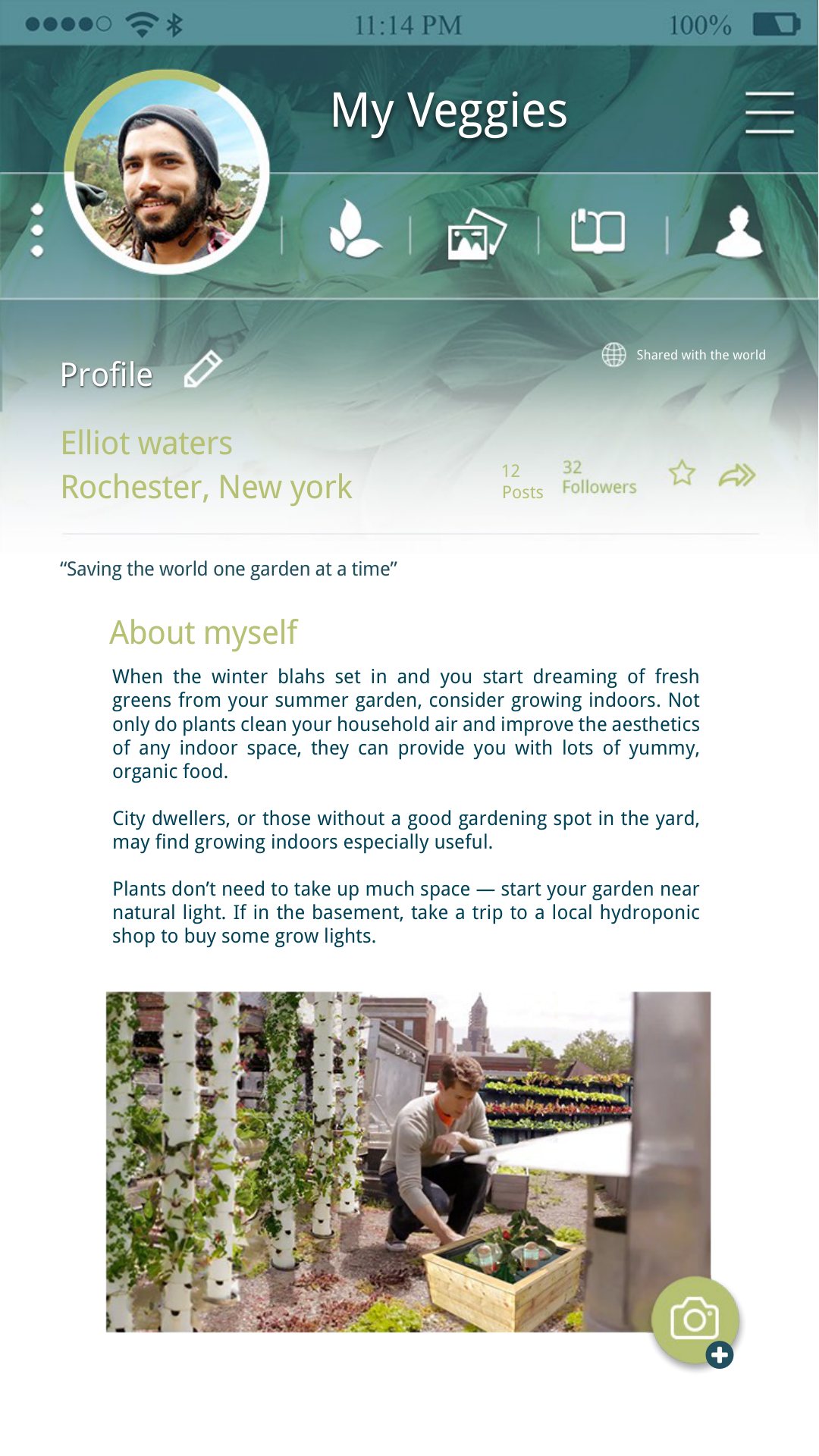
Every garden has a diary of notes and photos, private, for friends or public. Growers ask the experts a question with a photo and get an answer in the same thread. Nearby shows gardens around you, so people can follow, like and message each other.
What got easier
Garden setup takes four steps and can be paused. Device connection includes the checks people usually miss. Plant choices match the garden, and water readings turn into warnings with instructions. Expert answers arrive inside the garden diary, and other growers nearby are there to learn from.